How to access your income statement

  1. Sign in to MyGov Portal
  2. Select ATO from your Linked Services
  3. Select Employment
  4. Select Income Statement
  5. From there drop down the required statement
  6. Select Print Friendly version
  7. Once opened, select Print
  8. Select Save as PDF
  9. Save to desktop


Note: If you have multiple income statements in the same financial year, please repeat the above and send all statements.

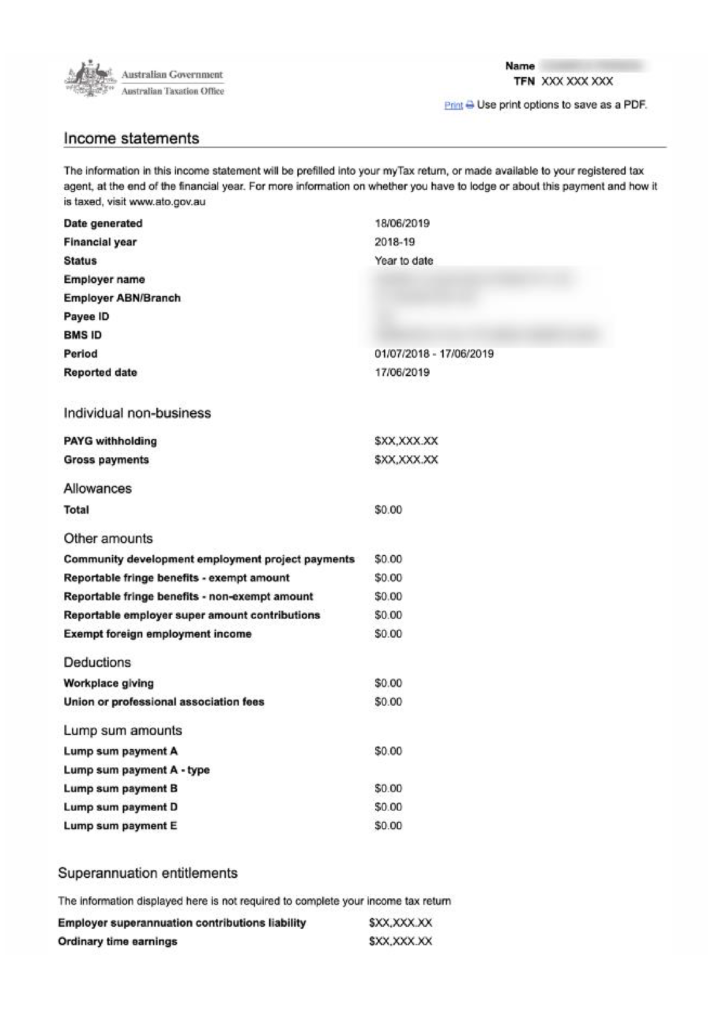
Below is an example of what the Income Statement document looks like.